 sign up
Change Future Rent or Expense Schedule | Setli
Update future rent or expense payment schedules by changing the frequency, payment day and effective date without altering existing unpaid records in Setli.

Select Change Future Schedule
Open Manage Payment Dates and choose Change Future Schedule.
This option updates the recurring schedule for future rent or expense items from a selected effective date.

Select the Relevant Item
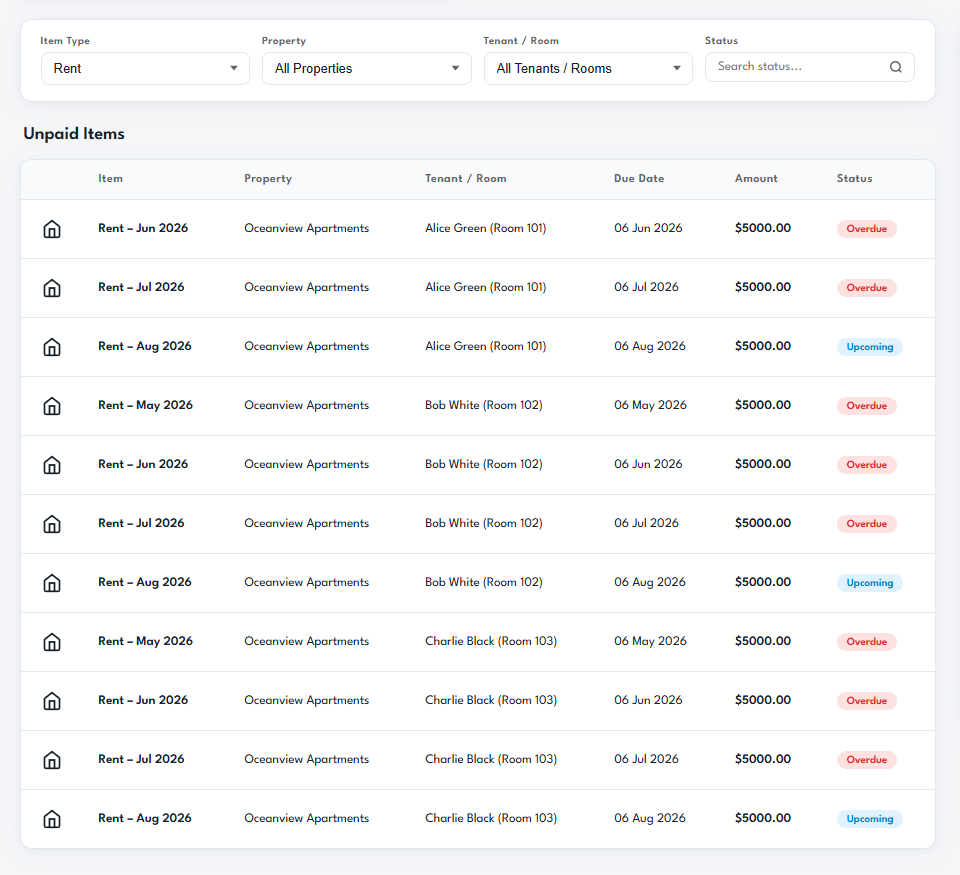
Use the filters to find the correct rent or expense record by property, tenant, room, item type or status.
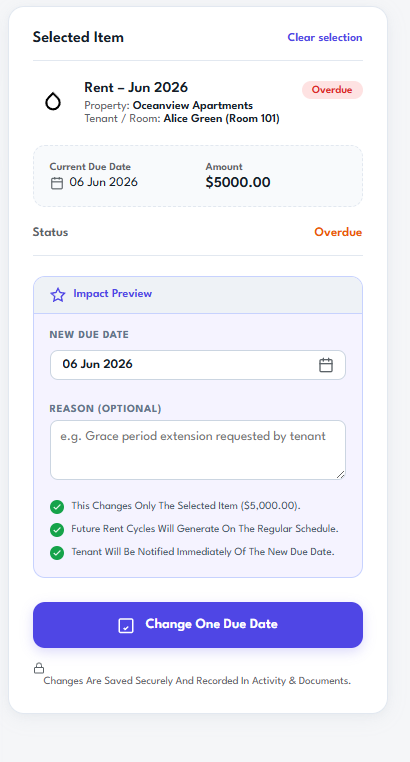
Select the item connected to the schedule you want to change and review its current due date, amount and payment status.
Update and Confirm the Future Schedule
Choose the new payment frequency, payment day and effective date, then add an optional reason for the change.
Review the upcoming payment dates before confirming. Future payment cycles are updated from the effective date, while existing unpaid records remain unchanged.