 sign up
GET STARTED WITH SETLI
Pay Rent & Expenses
View outstanding and upcoming rent, pay bills and shared expenses, review recent payments and set up Auto Pay securely through Setli.

01
View and Pay Rent
View and Pay Rent
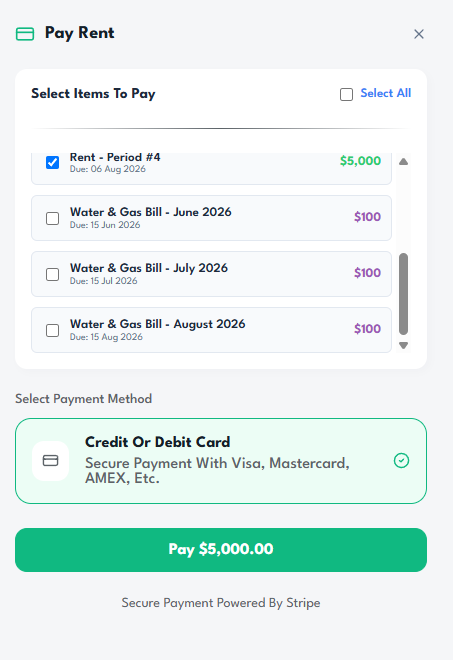
See your outstanding rent, upcoming payment and most recent rent payment in one place.
Select Pay Rent Now to review the amount due and complete the payment securely through Setli.
02
Pay Bills and Utilities
Pay Bills and Utilities
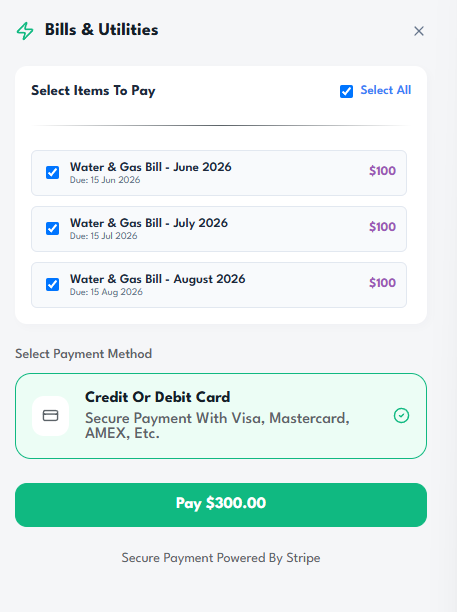
View outstanding and upcoming bills, utilities and shared household expenses assigned to you.
Review each amount and due date, then select the item you want to pay.
03
Set Up Auto Pay
Set Up Auto Pay
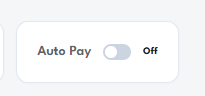
Turn on Auto Pay for eligible rent or expense payments to have them processed automatically on their scheduled due dates.
Manage your Auto Pay settings at any time and choose which eligible payments should be included.