 sign up
New Maintenance Request
Submit a maintenance request with issue details, priority, photos or videos and a preferred visit time, then track the request through Setli.

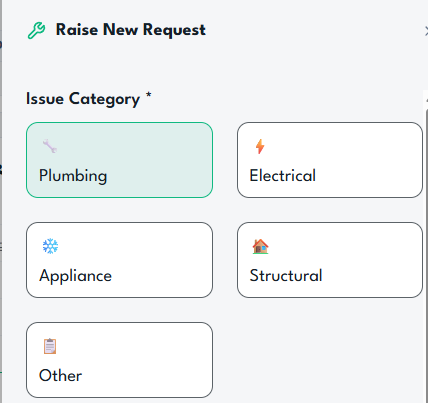
Choose the Issue Category
Select the type of maintenance issue you need to report, such as plumbing, electrical, appliance, structural or another category.
This helps the request reach the right person and makes the issue easier to review.
Describe the Problem
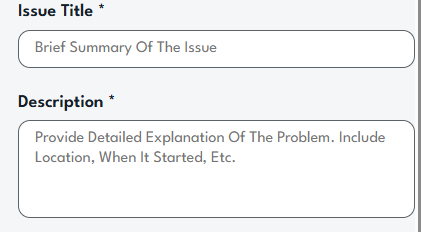
Add a clear issue title and provide a detailed description of what is wrong.
Include useful information such as the location of the issue, when it started and how it is affecting the property.
Set the Priority Level
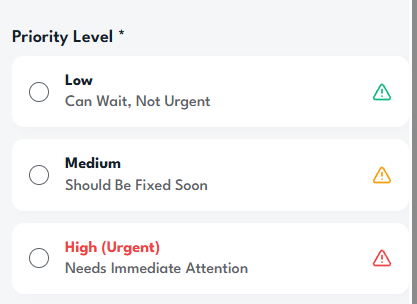
Choose whether the request is low, medium or high priority based on how urgently the issue needs attention.
This helps the host understand which maintenance requests should be reviewed first.
Add Photos and Visit Details
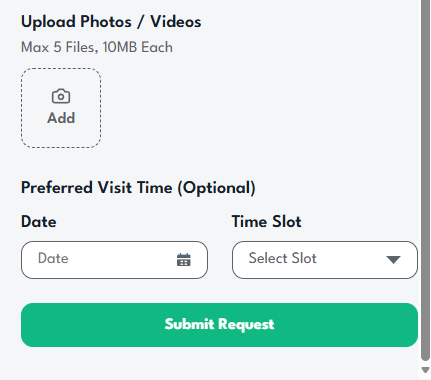
Upload photos or videos to show the issue clearly and provide supporting information for the maintenance request.
You can also select a preferred visit date and time slot to help coordinate access to the property.
Submit and Track the Request
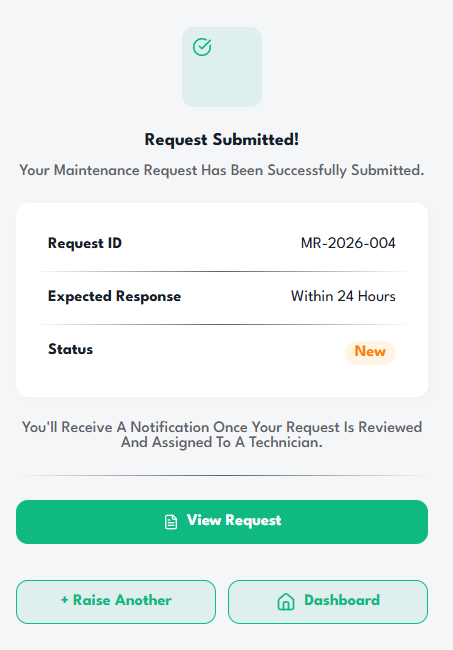
Submit the request and receive a confirmation with the request ID, expected response timeframe and current status.
View the request, return to the dashboard or raise another maintenance request when needed.