 sign up
Security Deposit Management for Shared Rentals | Setli
Track security deposits received, refunded, retained and still held while managing deductions and outstanding tenant balances with Setli.

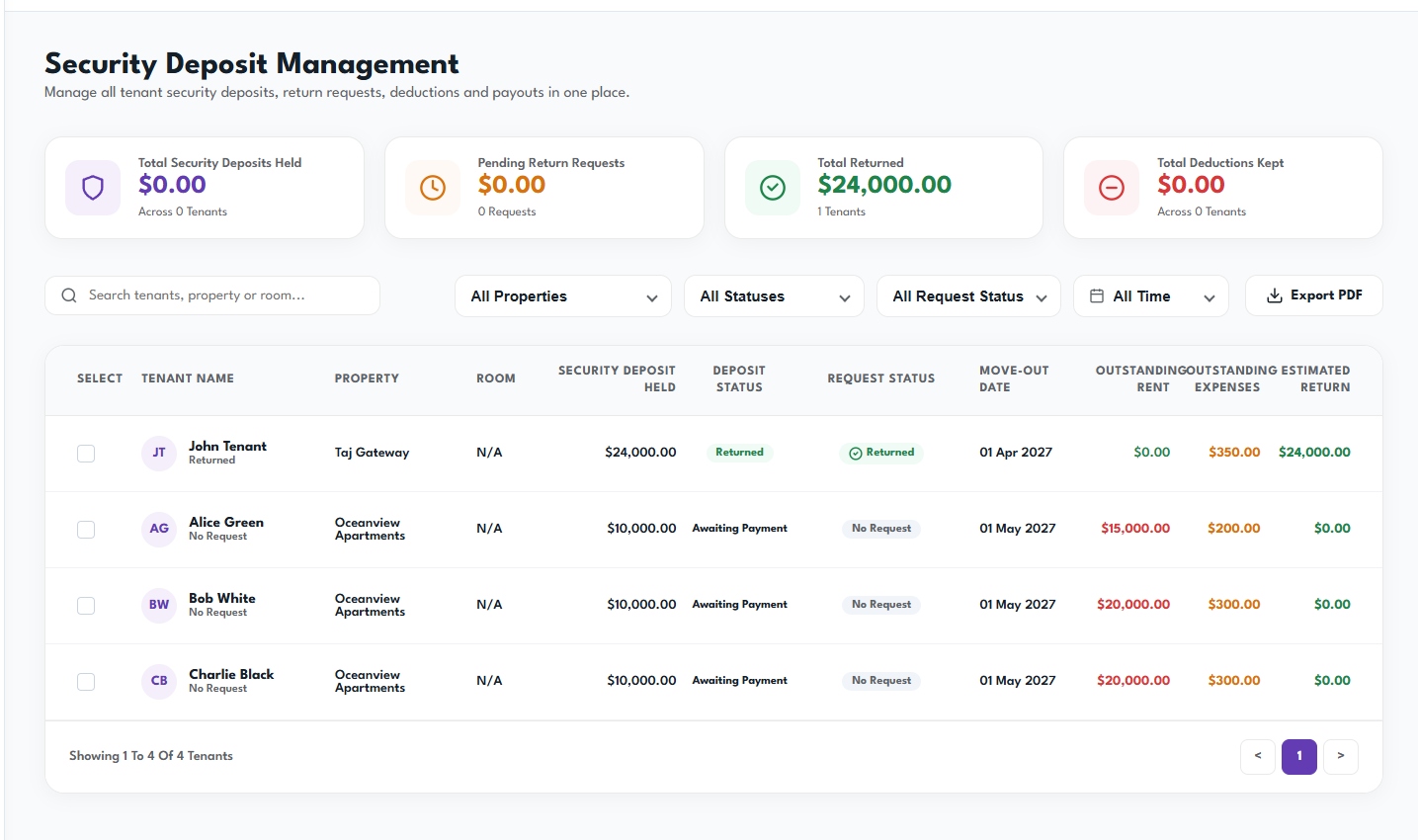
Find and Select the Tenant
Use the search bar and filters to find the relevant tenant by property, room, deposit status, request status or move-out period.
Select the tenant to open their security deposit record and review the estimated return amount.
Review the Financial Ledger
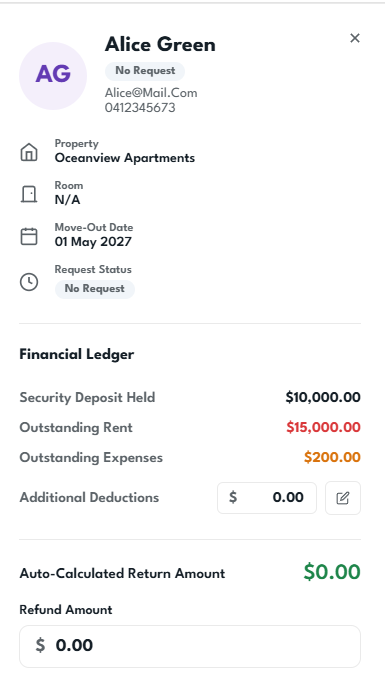
Check the tenant’s security deposit held, outstanding rent, outstanding expenses and any additional deductions.
Setli automatically calculates the estimated return amount based on the amounts still owed.
Record the Deposit Return
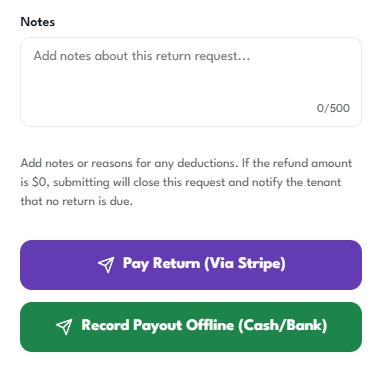
Enter the refund amount, add notes explaining the return or deductions, then choose how the payout was completed.
You can either process the return through Stripe or record an offline payout made by cash or bank transfer.