 sign up
Share Property or Rooms
Create and share your property or available rooms anywhere with a mobile-friendly listing featuring photos, rent, availability, furnishings and bill details.

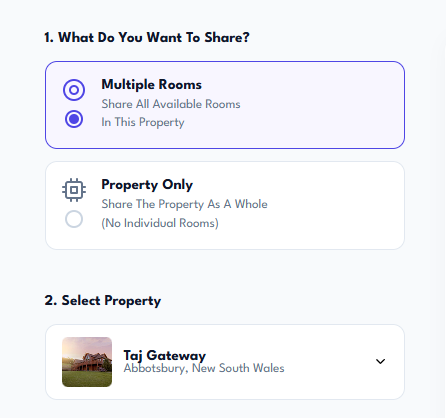
Choose What You Want to Share
Choose whether you want to share multiple available rooms or present the property as a whole.
Select the property you want to use, and Setli will load the available rooms and property details for your share page.
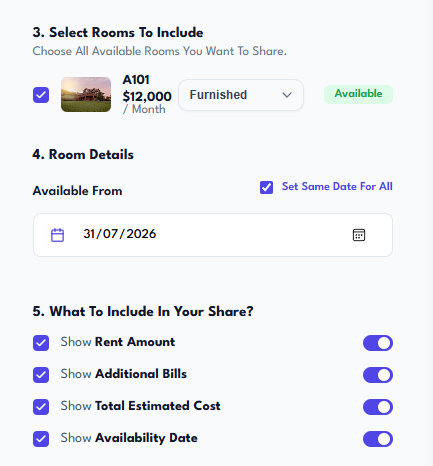
Select Rooms and Display Details
Choose the rooms you want to include and set the available-from date for each room.
Control what appears on the shared page, including rent, additional bills, total estimated costs and availability dates.
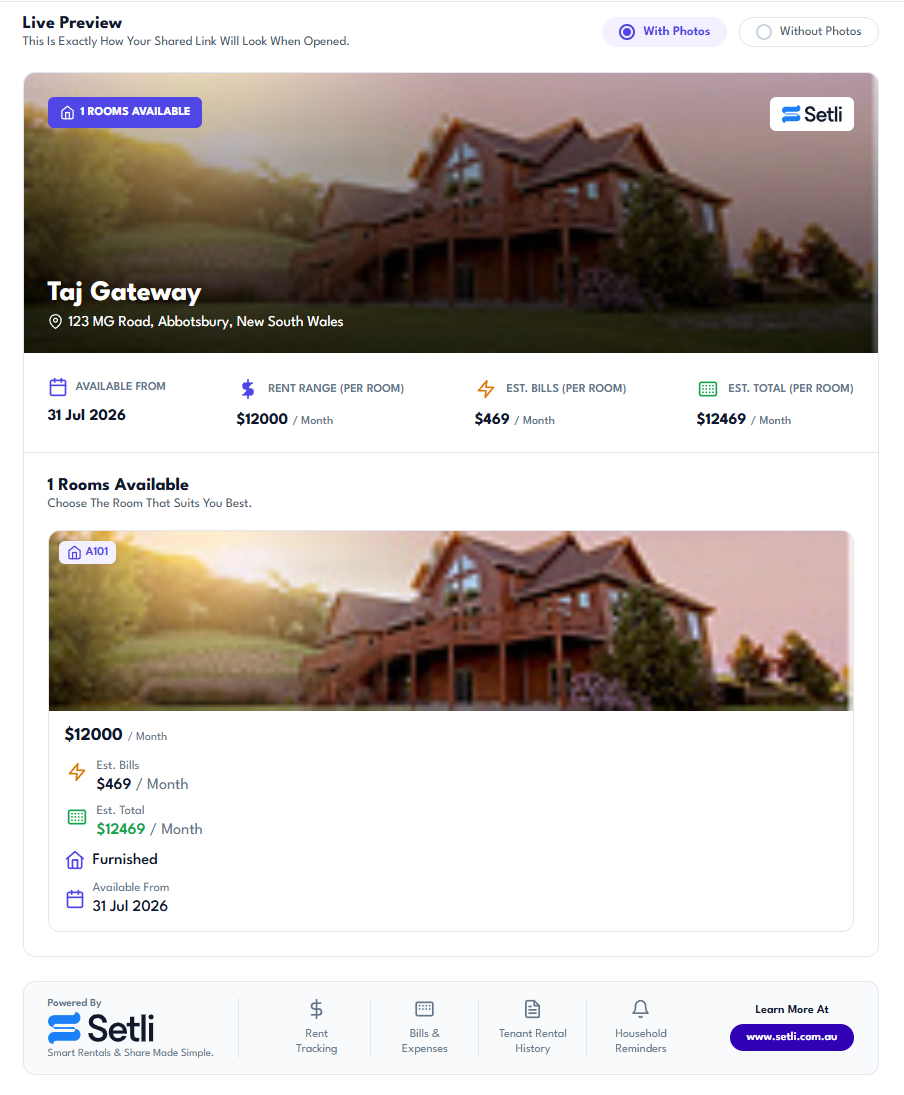
Preview Your Share Page
Review exactly how your property or room listing will look before sharing it.
Switch between previews with photos or without photos and check the property details, rooms, pricing, bills and availability information.
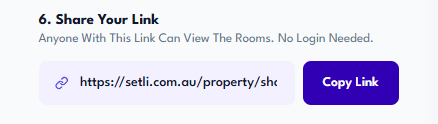
Copy and Share Your Link
Once you are happy with the preview, copy the unique share link created by Setli.
Send the link anywhere so potential tenants can view the property or available rooms without needing to log in.